Automatic Event Extraction

Create Events Without Typing

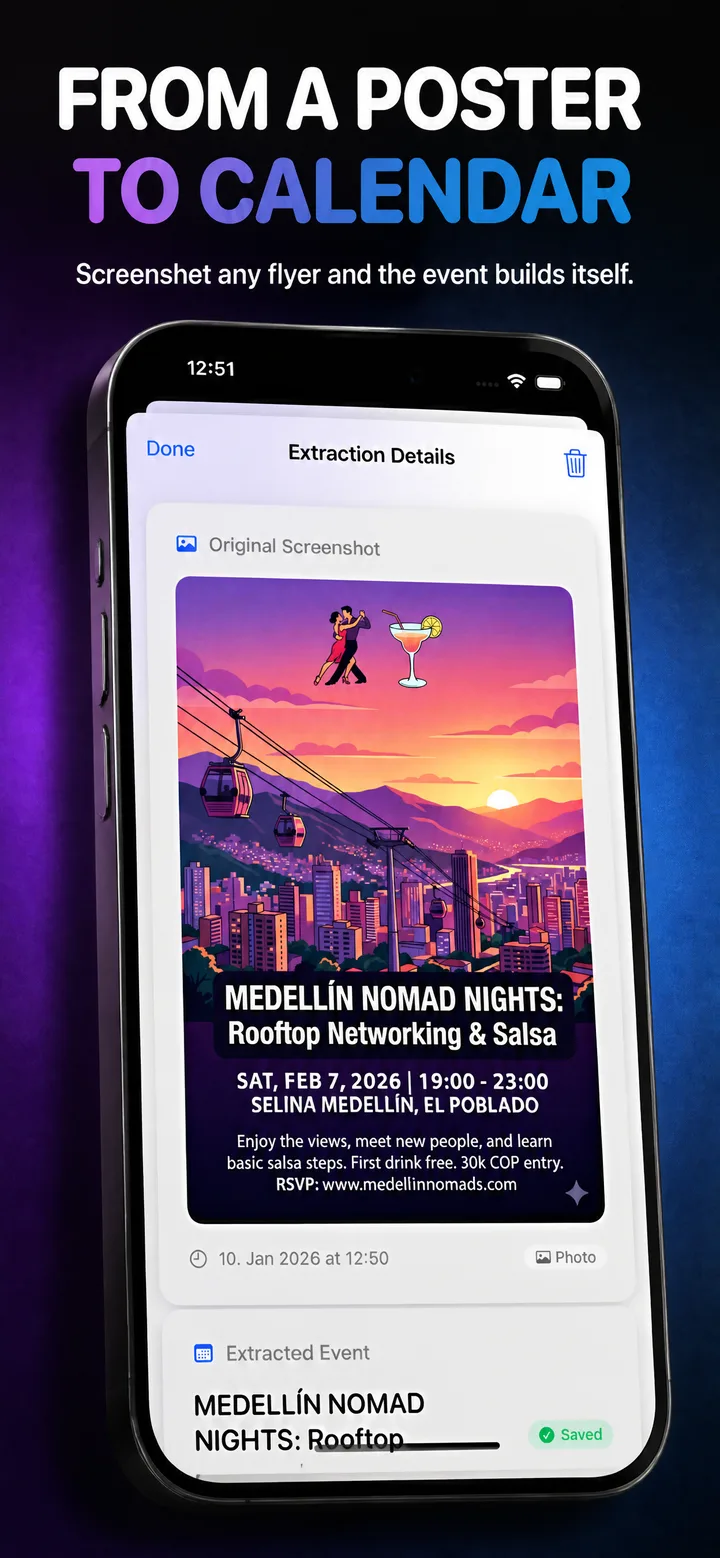
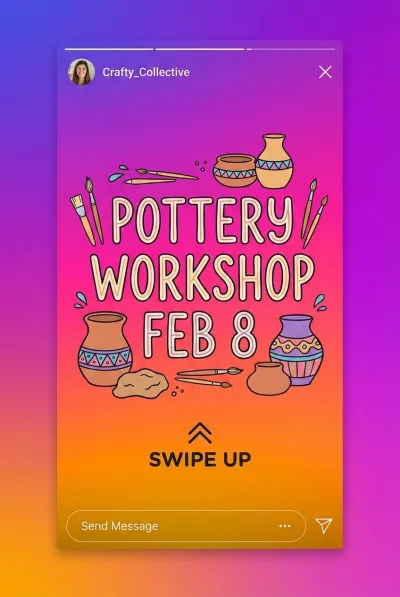
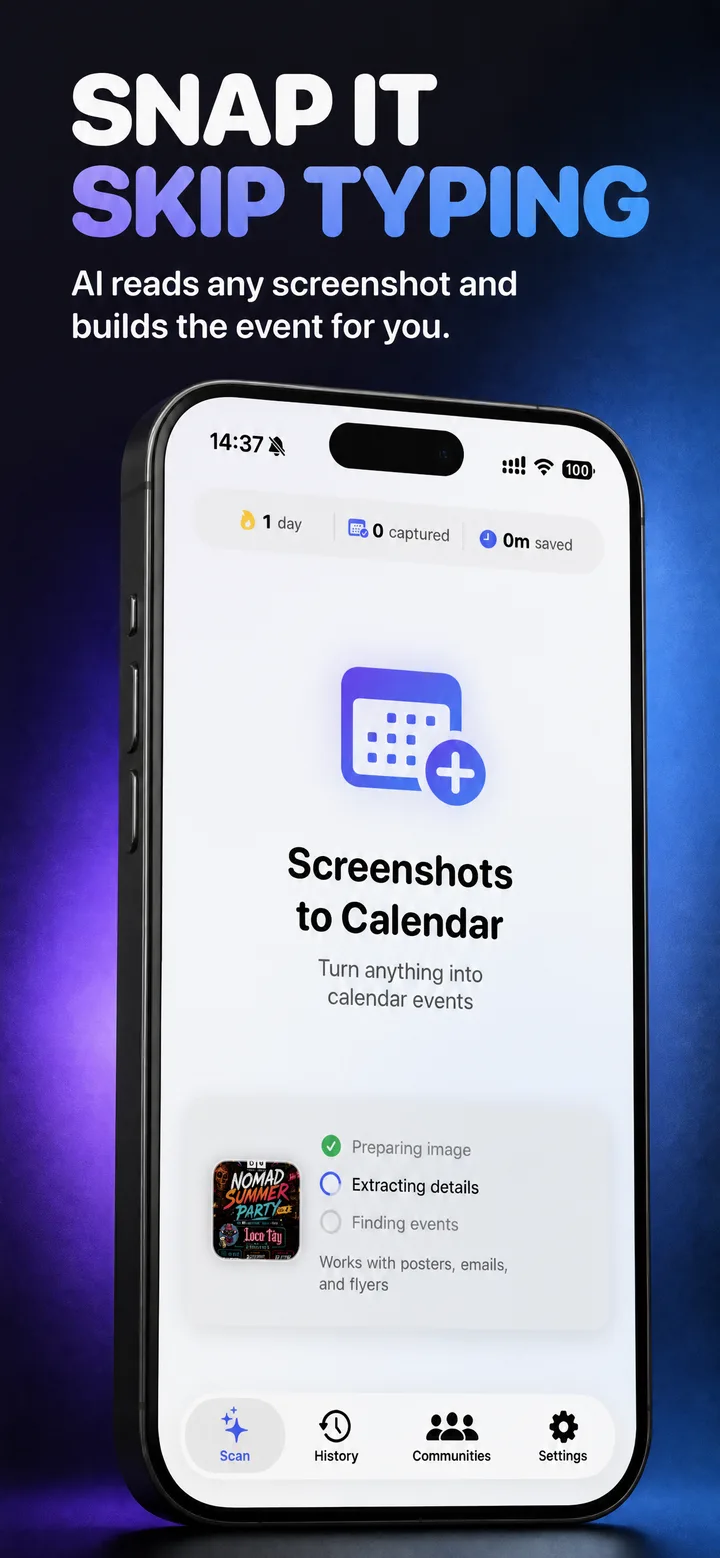
Turn screenshots, photos, and messages into calendar events in seconds.
Download on App Store See How It Works

iOS 17.0+ · iPhone & iPad · Free tier available

Stop Typing, Start Living

For anyone tired of manually entering event details

💬

Group Chat People

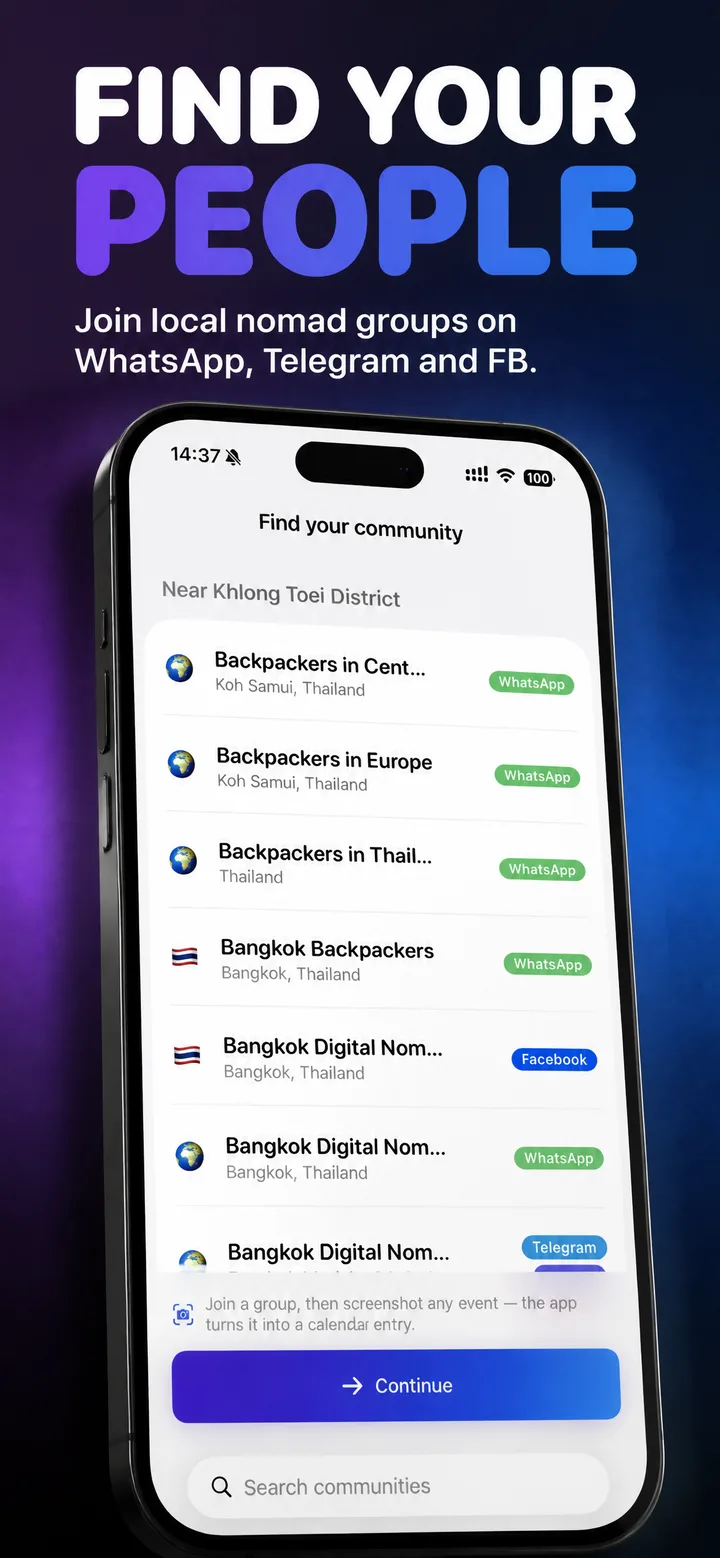
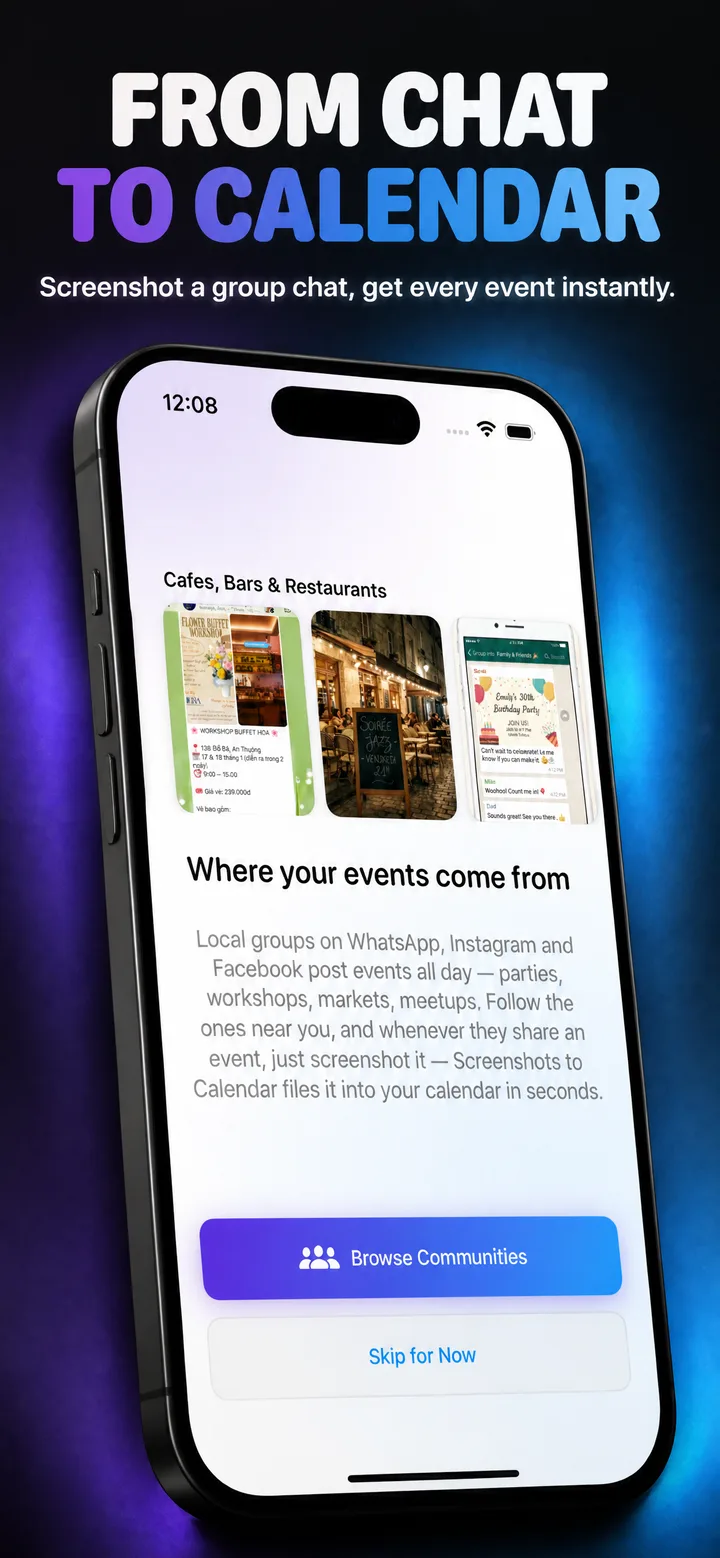
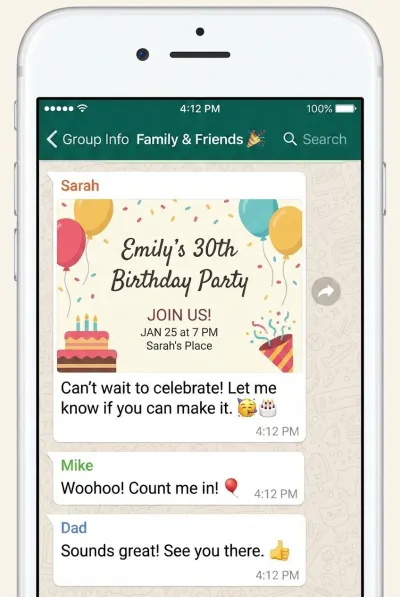
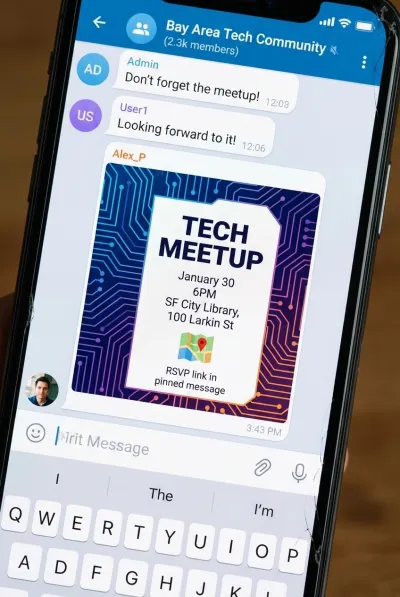
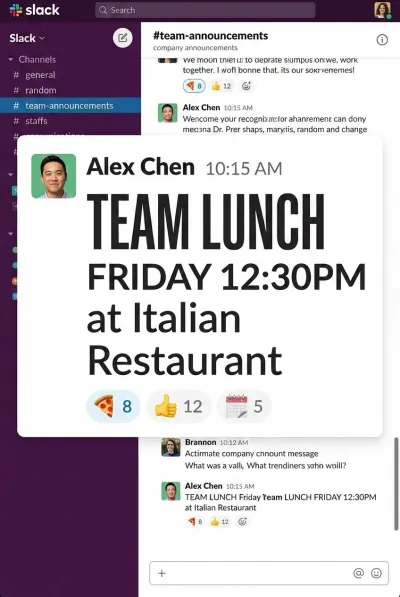
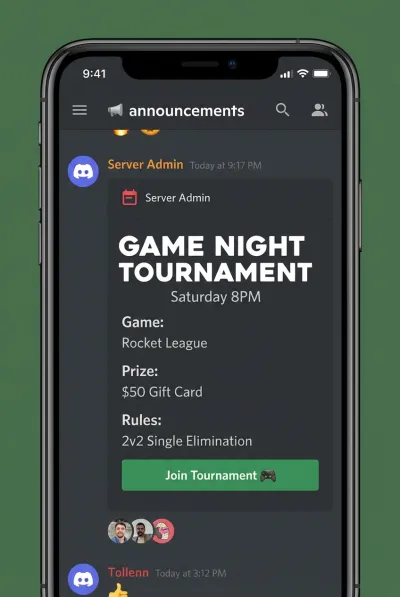
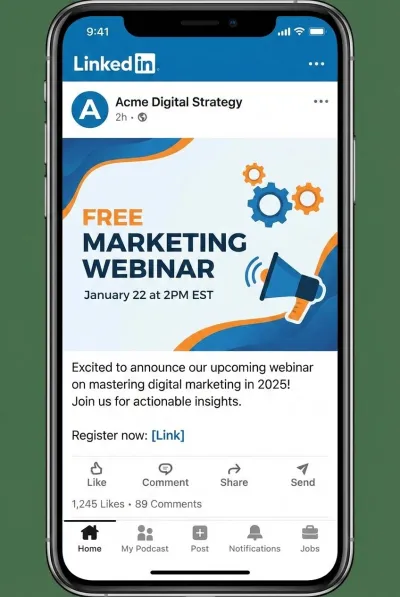
WhatsApp, Telegram, Slack — events fly by constantly. Screenshot it before it scrolls away.

💼

Professionals

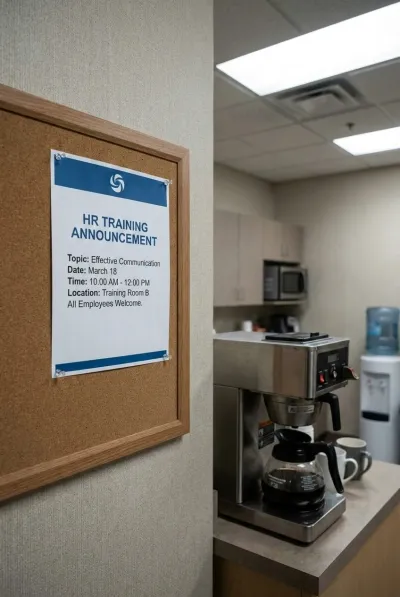
Conference schedules, whiteboard meetings, training announcements. Photo the board, done.

👨‍👩‍👧

Busy Parents

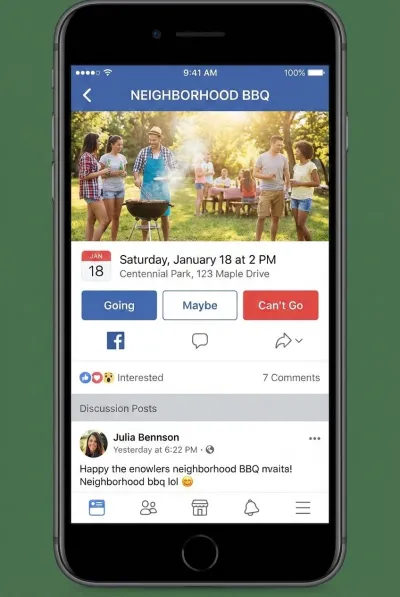
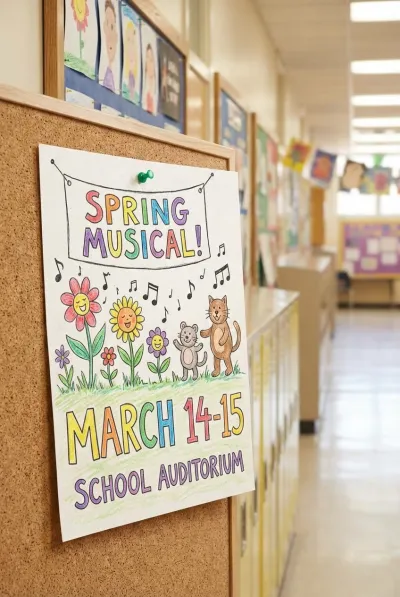
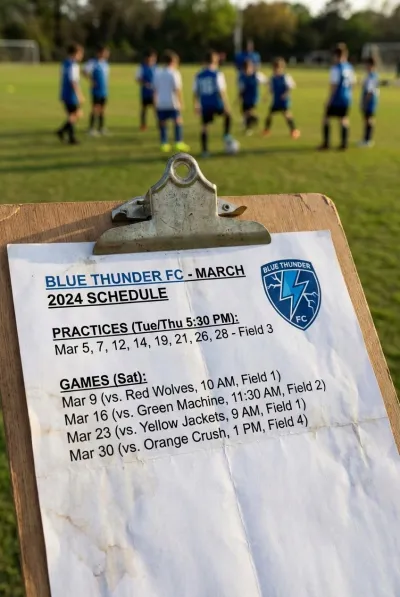
School plays, soccer schedules, birthday invites, dentist cards. Snap the paper and get back to life.

🌍

Travelers

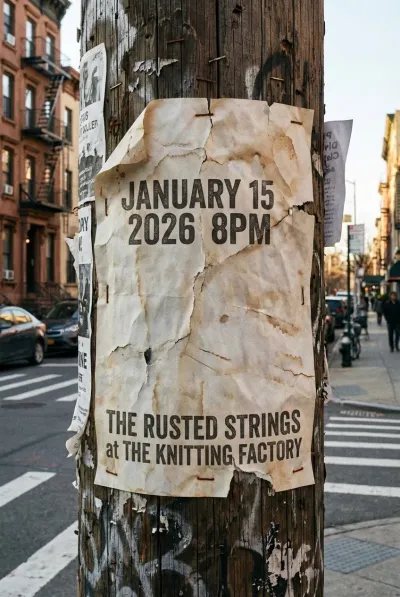
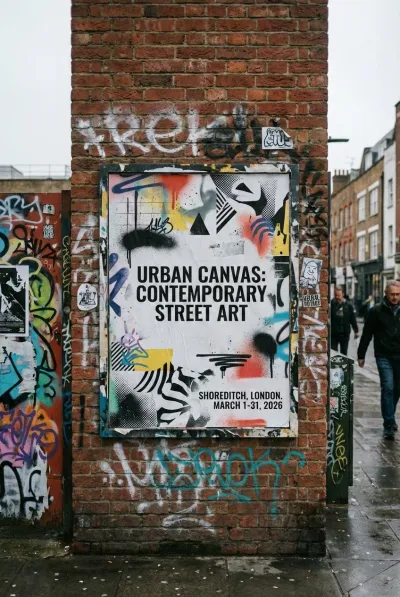
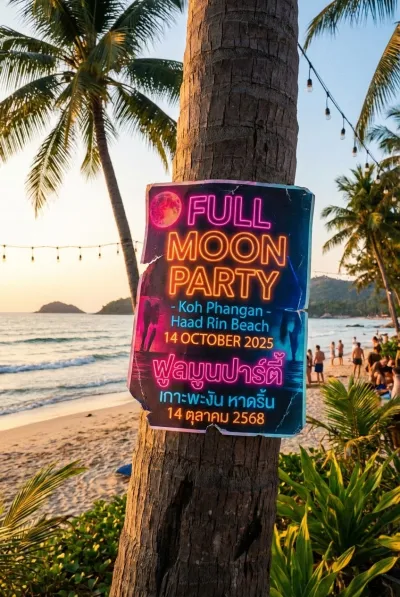
Flyers in hostels, tour schedules, local events. Works in any language automatically.

From Screenshot to Calendar in Seconds

Three simple steps to never manually type event details again

01

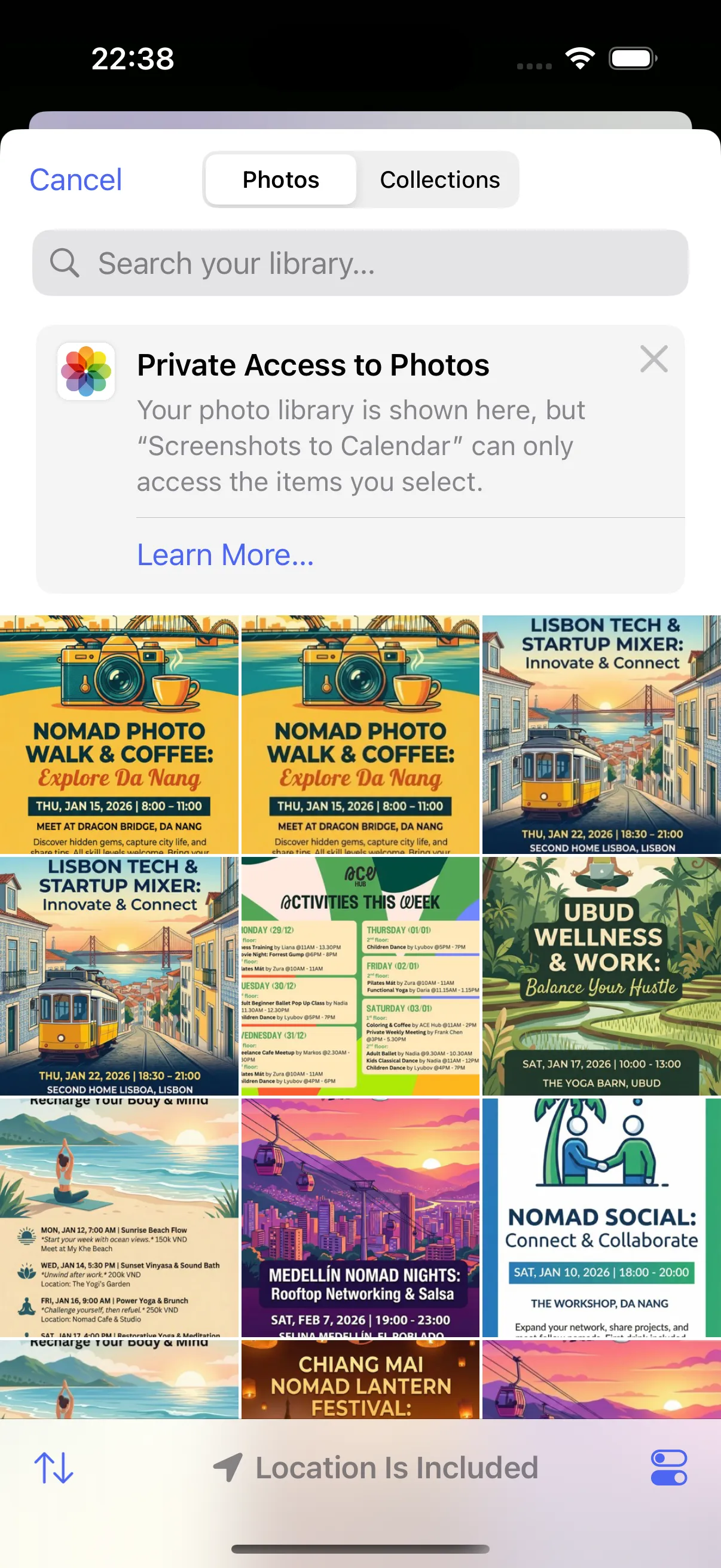
Capture

Snap a photo, pick from library, or share from any app

Photo picker showing event screenshots
02

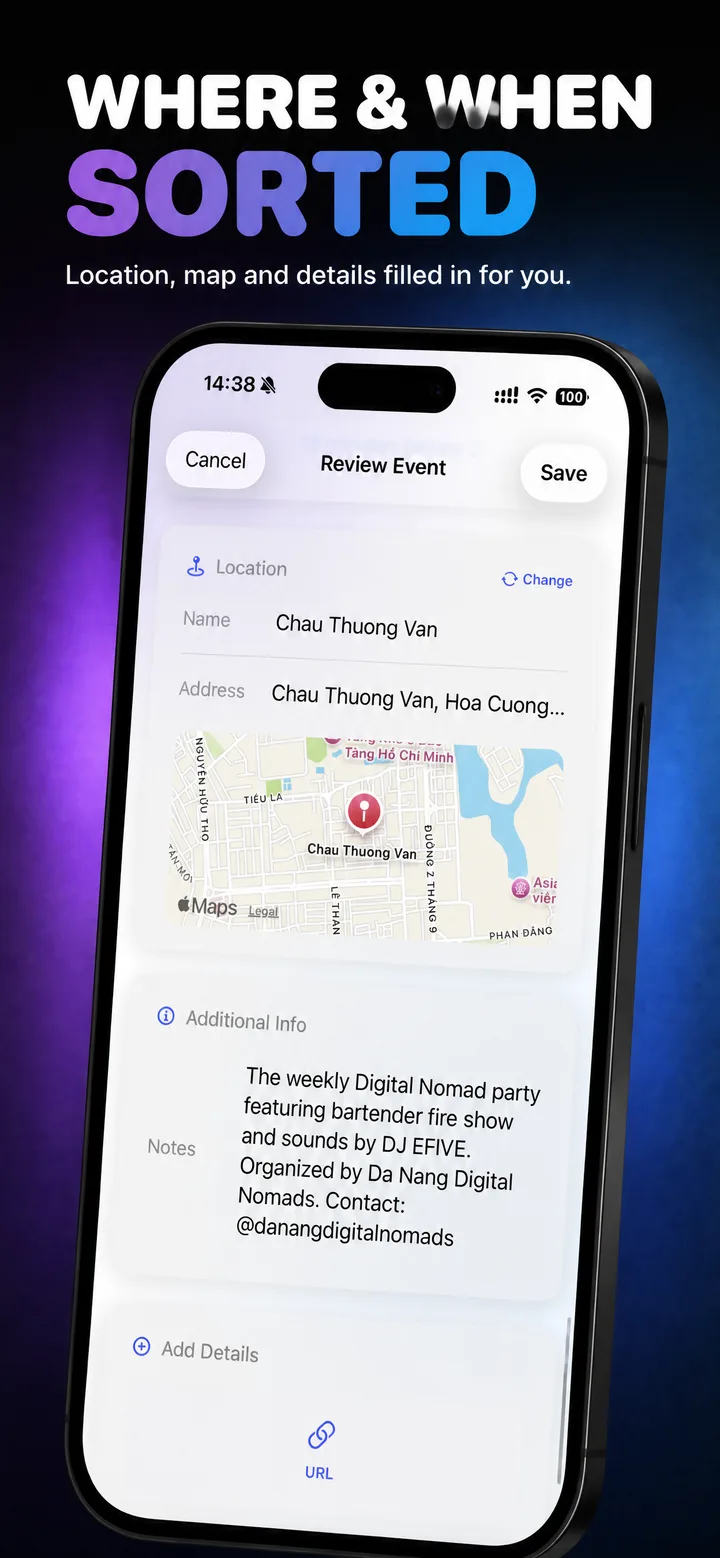
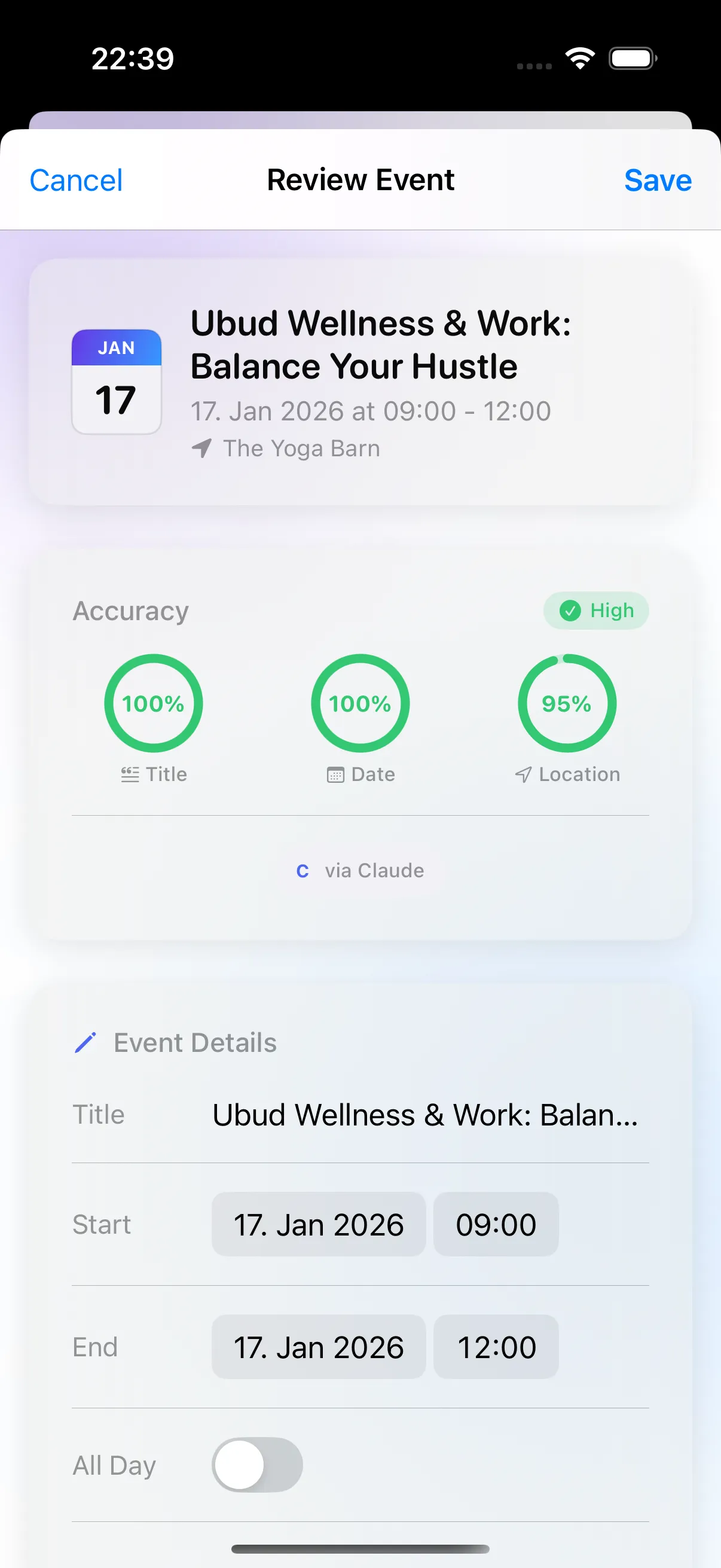
Review

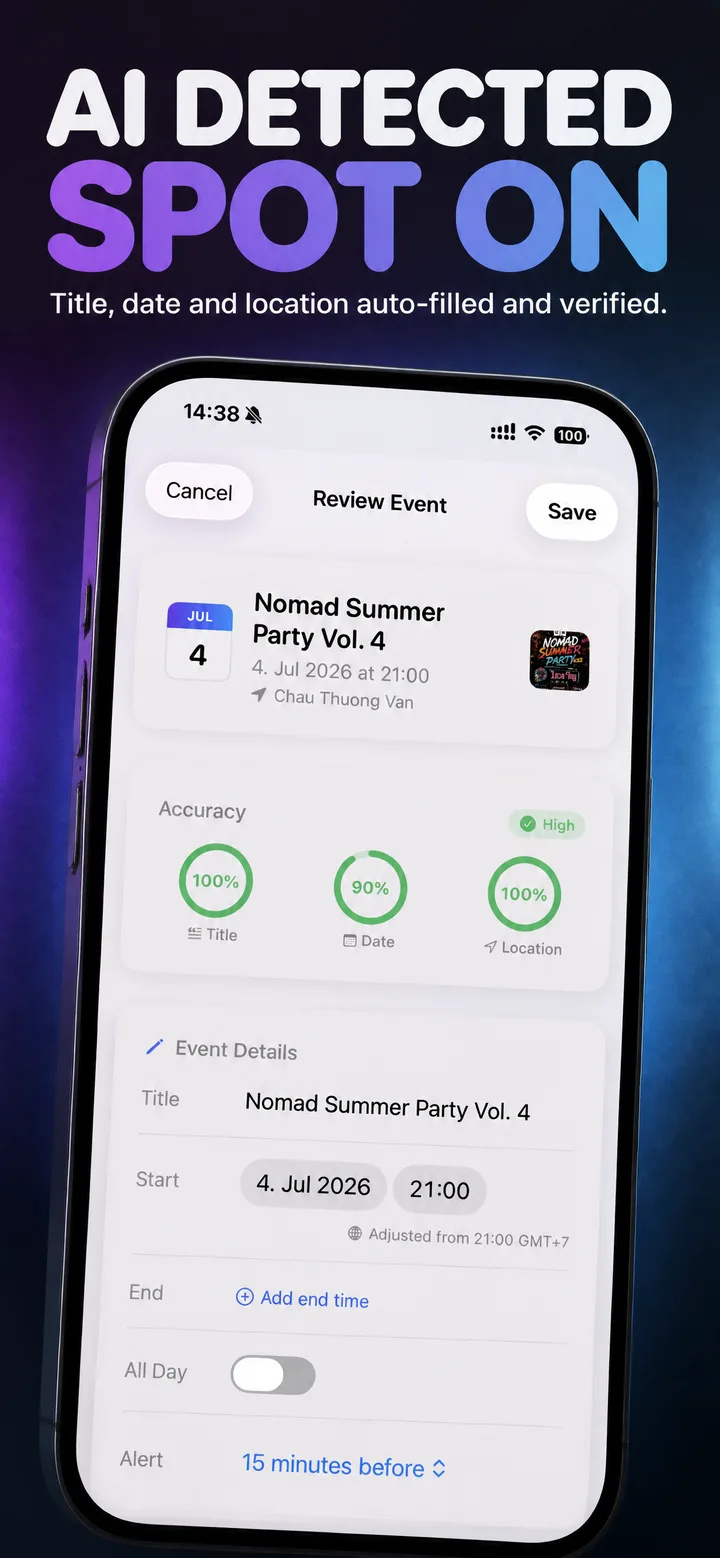
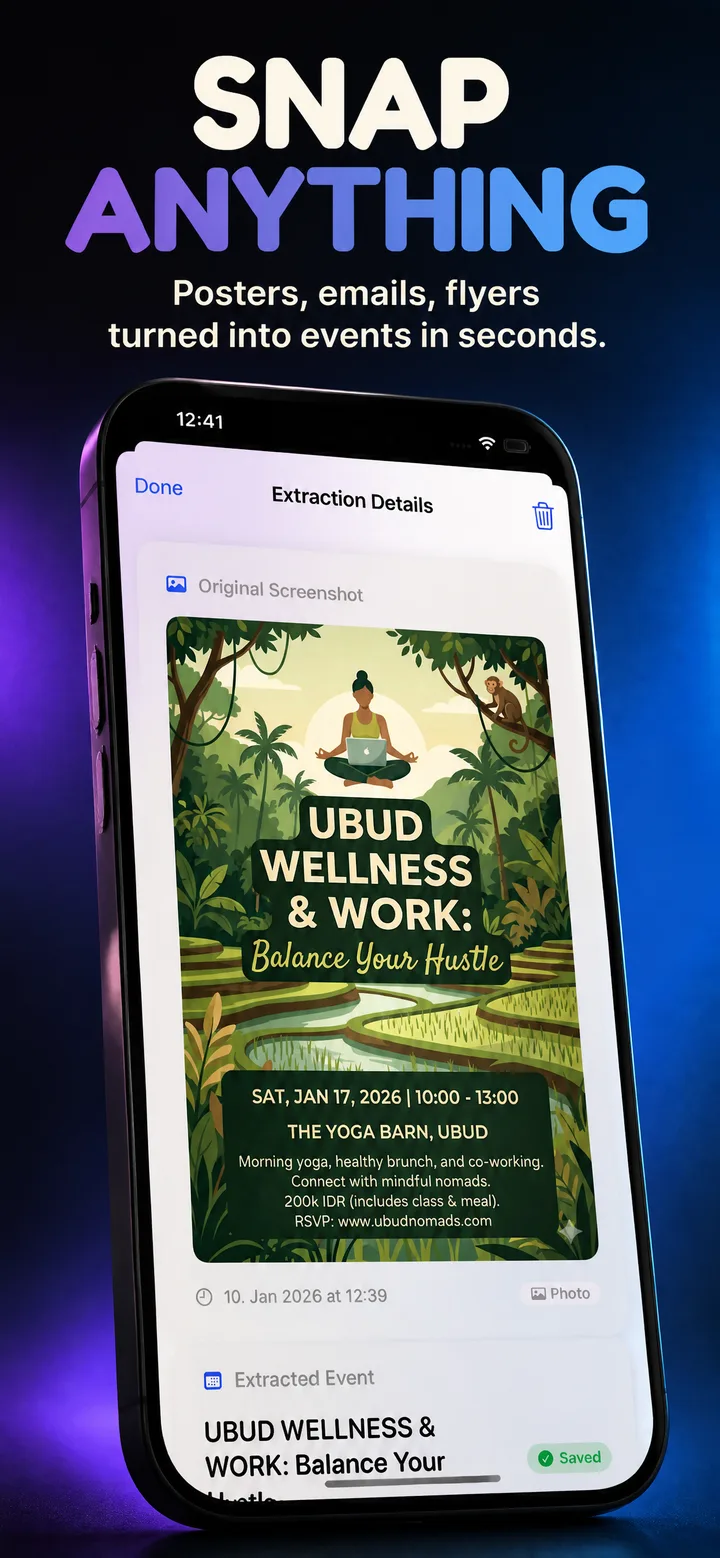
AI extracts the details — check and edit before saving

Review screen with extracted event details
03

Save

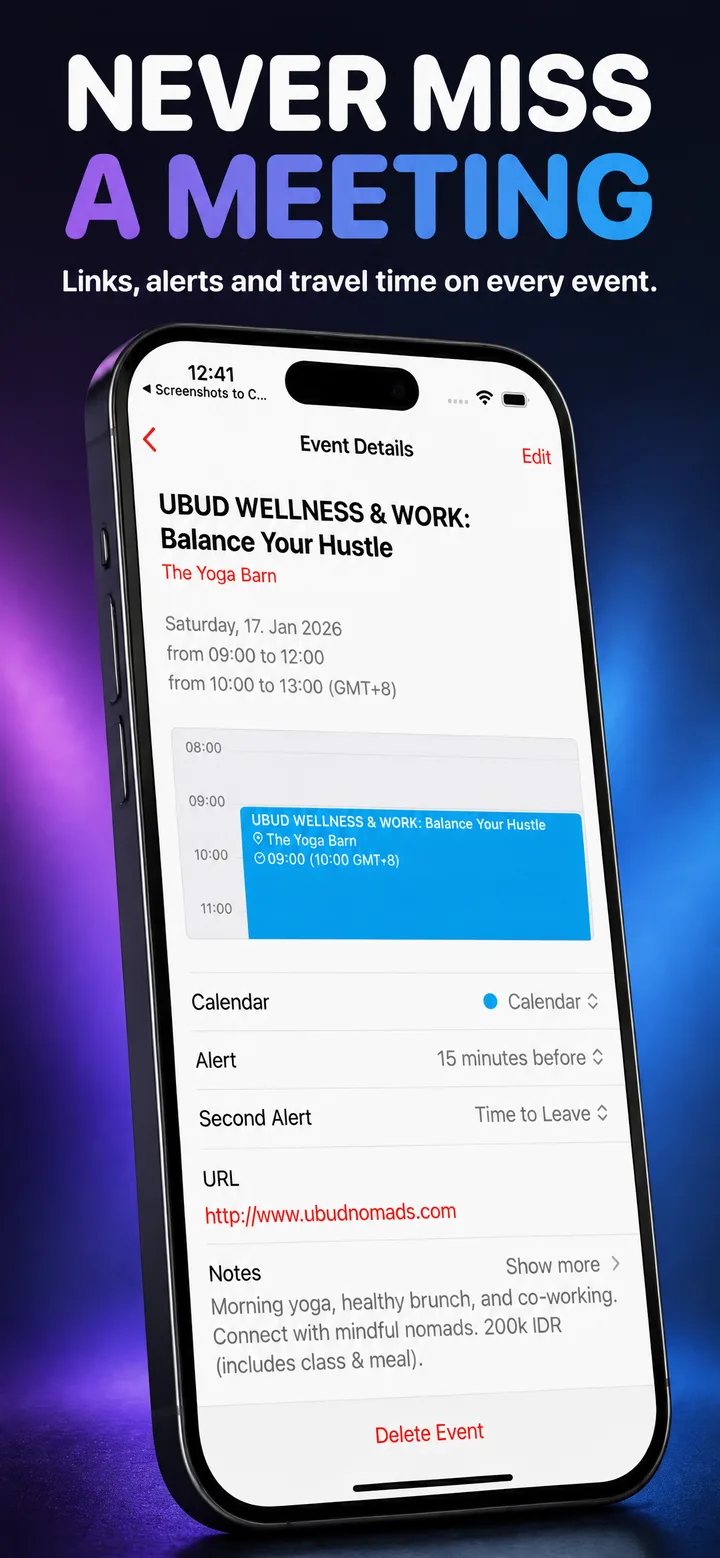
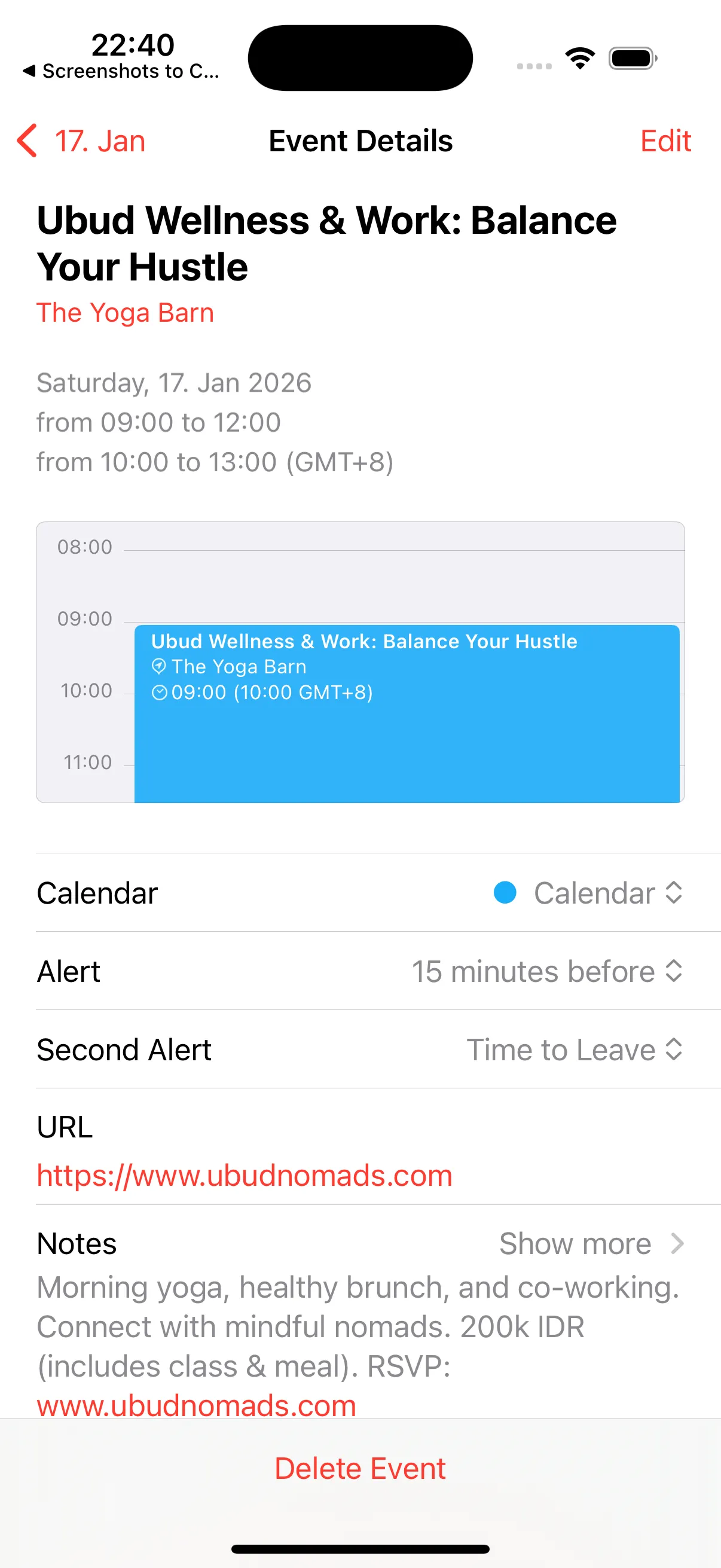
Event is added to your iOS Calendar, syncing across all your devices

Event saved in iOS Calendar

It Gets the Context

Smart features that understand context, not just text

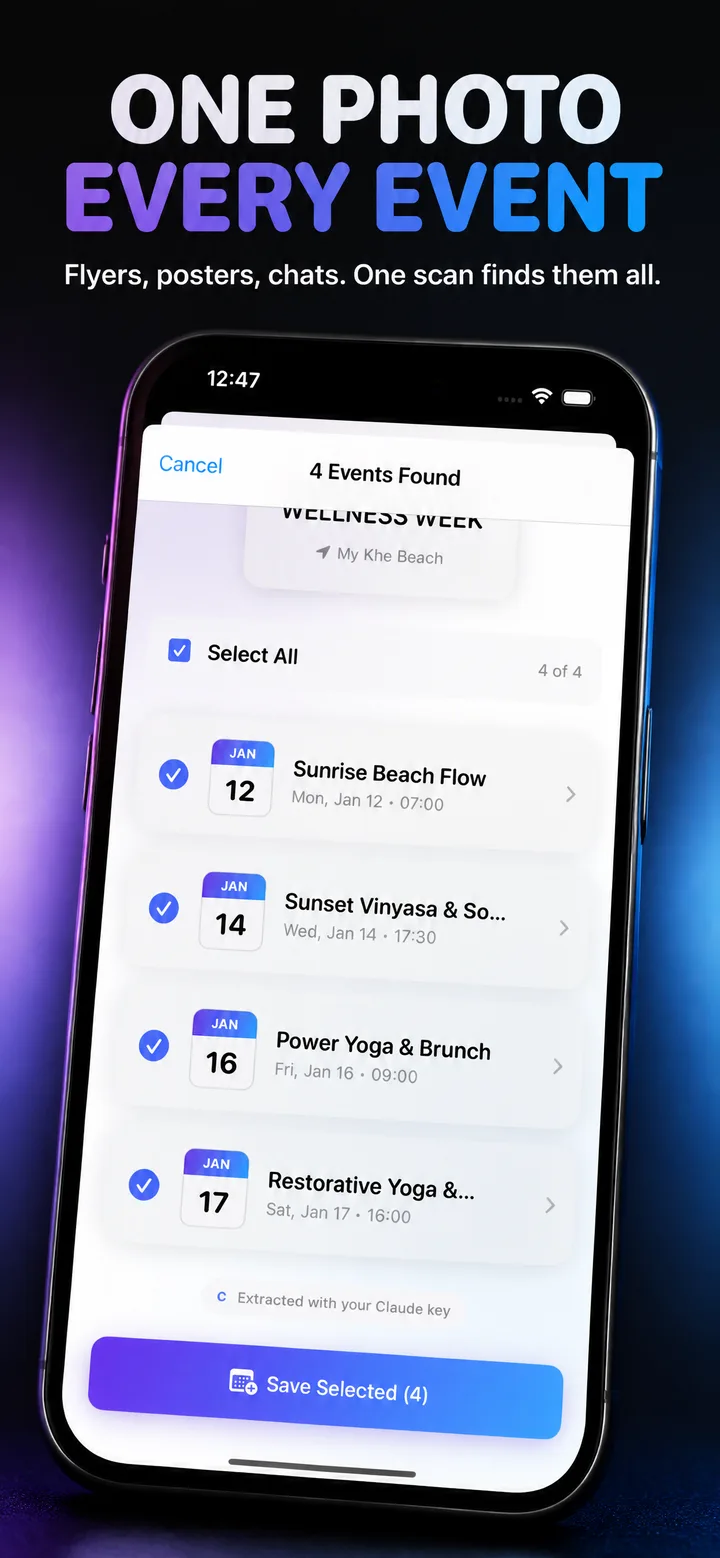
Multi-Event Detection

Extract multiple events from a single image. "Jan 9, 16, 23" creates separate entries automatically.

Conference URLs

Automatically detects Zoom, Google Meet, Microsoft Teams, and Webex meeting links.

Recurring Events

Recognizes patterns like "Every Friday" and creates proper recurring calendar events.

Location Enrichment

Addresses are enhanced with GPS coordinates for accurate map integration.

Share Extension

Extract directly from Mail, Safari, Messages, or any app using the iOS share sheet.

Privacy First

Use your own API key to call providers directly. Keys stored in iOS Keychain, images never retained.

Choose Your Engine

Use your preferred AI provider or our backend service

OpenAI
Claude
Google
Mistral
Grok

Use Your Own AI Provider

Configure your API key and the app calls your provider directly. Your data never touches our servers. You only pay your provider's standard rates.

BYOK Mode

Simple, Flexible Options

Choose between full control (your own key) or simplicity (credits).

BYOK
Free

Bring Your Own Key

  • Unlimited extractions
  • All features included
  • No account required
  • Pay only your LLM rates
Download App

Questions? Answers.

What does the app do?

It extracts calendar event details from images using AI and saves them to your iOS Calendar. Screenshot an email, flyer, or message, and the app parses the information automatically.

Do I need an account?

No. Use your own API key without signing in. Sign in with Apple is only required to purchase or use credits.

Which calendars does it work with?

Events save to your iOS Calendar, which syncs with Google Calendar, Outlook, and other services via standard calendar sync.

Can it extract multiple events from one image?

Yes. The app detects multiple events and event series from a single screenshot, creating separate calendar entries for each.

How do I use my own API key?

Go to Settings, tap the provider you want to configure, and enter your API key. Keys are stored securely in iOS Keychain.

Does it work offline?

No. Extraction requires an internet connection to communicate with the AI provider.

What happens if extraction is wrong?

You can review and edit all details before saving. Nothing is added to your calendar automatically without confirmation.

Create Events Without Typing

Download now and start extracting events from images.

Download on App Store